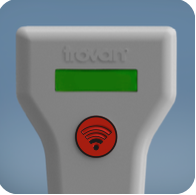
User Manual for Model LID-810 Trovan Reader for FDX-B tags
The LID-810 is a portable reader for ID-162 (FDX-B) series transponders with a reading distance of up to 90 mm (approximately 3.6 in.).
The reader is powered by one 6LR61 (or 6F22) 9V battery.
Working with the red reader button
- Press the reader button briefly and release, or press and hold, as follows:

Wake up the reader
- To turn on the reader, briefly press the red reader button.

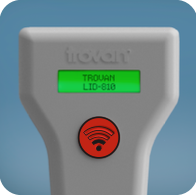
- The TROVAN logo and reader model (LID-810) briefly appear on the device display, if it contains a working battery...
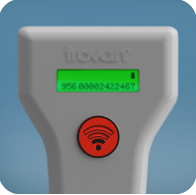
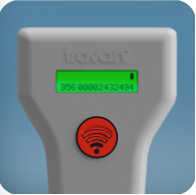
- ...followed by the ID number of the last tag read. The battery level is displayed in the upper right corner.
Reading tags
- To read a tag, briefly press the button. “READING” will appear on the reader display and the reader will begin searching for FDX-B tags for 20 seconds.
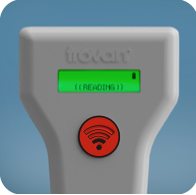
- If the reader reads a tag, the ID number is immediately displayed on the display.
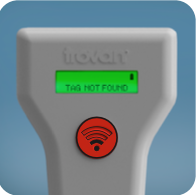
- If the reader does not find an ID-162 series tag near the device, then after 20 seconds the display will show “TAG NOT FOUND”.
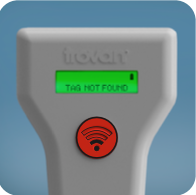
- If the operator does not want to wait until 20 seconds have passed, then briefly pressing the button will stop the reading process. In this case, “TAG NOT FOUND” will appear on the display.
Turning off the reader
- To turn off the reader, use a long button press. Hold the button down for 5-6 seconds and do not release until “BYE BYE” appears on the display.
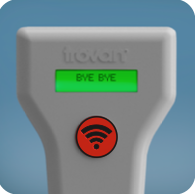
- The reader also turns off if there was no activity for 30 seconds (the user did not press the button for 30 seconds).